Access PDS
Request access
Create a Portworx account.
Contact sales and request access to PDS.
The sales team will help you complete the sign up process.
Log into PDS and access your dashboard
Once the sales team has signed you up, you can log in and access your dashboard:
Enter your credentials on the login page.
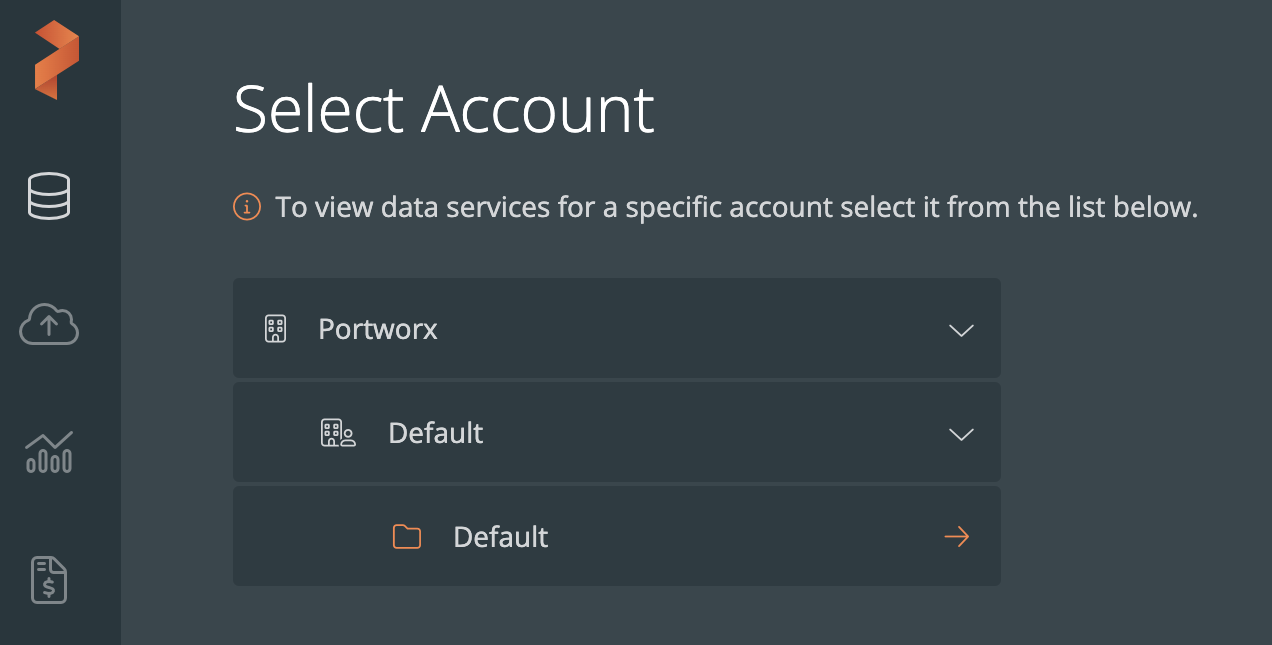
On the Select Account page, select your account name from the dropdown list, followed by Default and Default:
Next steps
Once you have logged in, your first steps will differ based on whether you are a user or an admin.
Get started as an administrator
If you are an administrator, get started by:
Get started as a user
If you are a user, start by deploying a data service.