Upgrade Portworx on Kubernetes using Rancher
Purpose
This page provides instructions for upgrading Portworx on Kubernetes using Rancher with a Helm chart available from the public catalog.
Upgrade Portworx
Perform the following steps to upgrade Portworx from your Rancher UI:
Click Apps and then click Installed Apps in the left pane.
Select All Namespaces from the dropdown on the top toolbar. You can see Portworx under kube-system namespace:
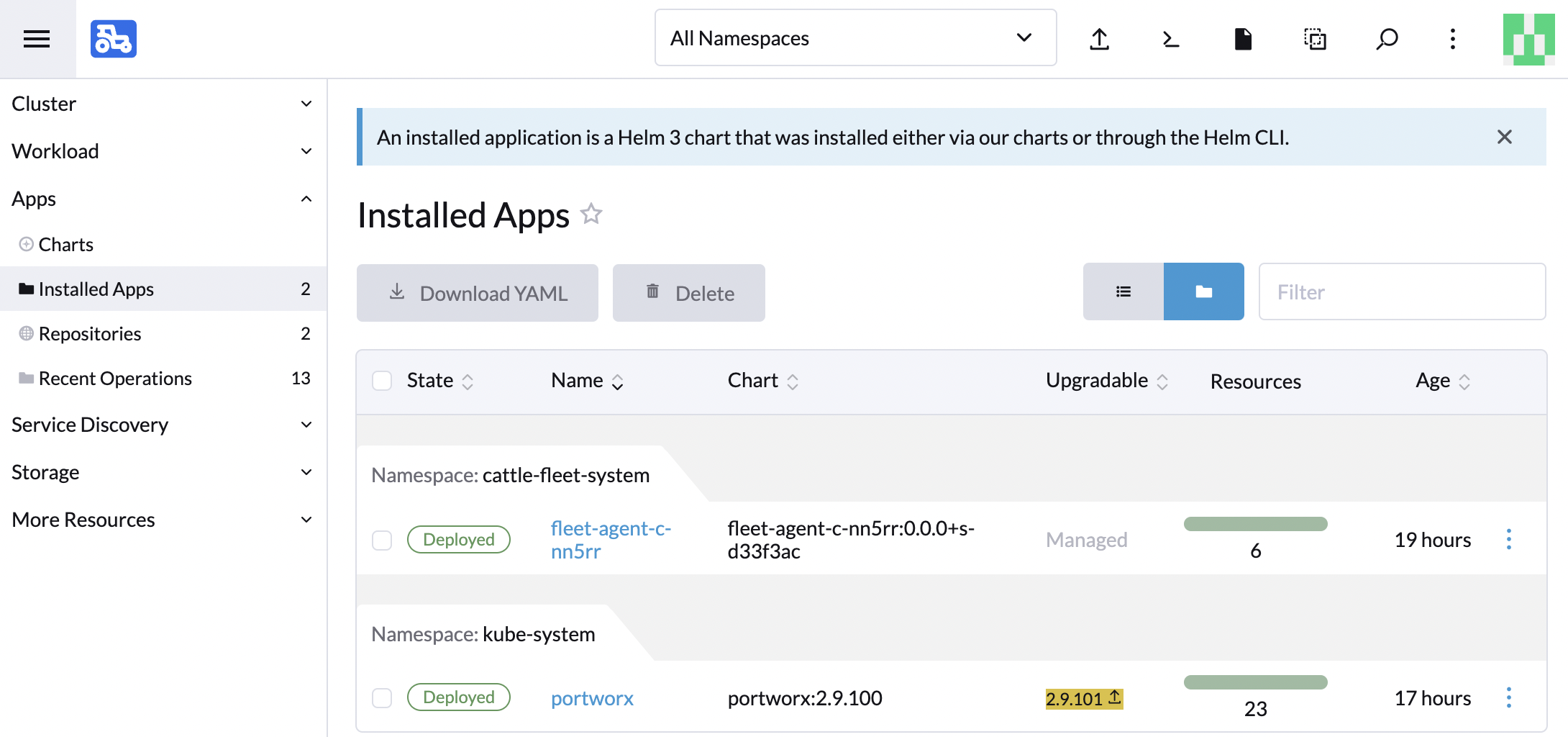
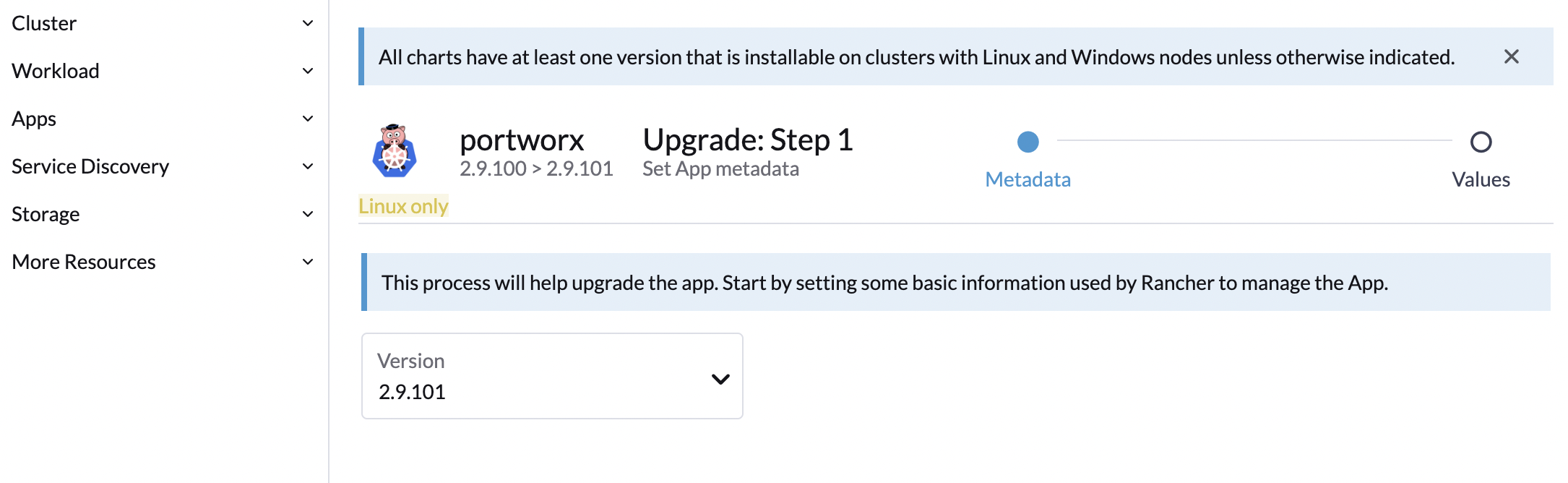
The latest Portworx version will be highlighted under Upgradable. Click that number and then click the Next button in the bottom-right corner:
Click Upgrade:
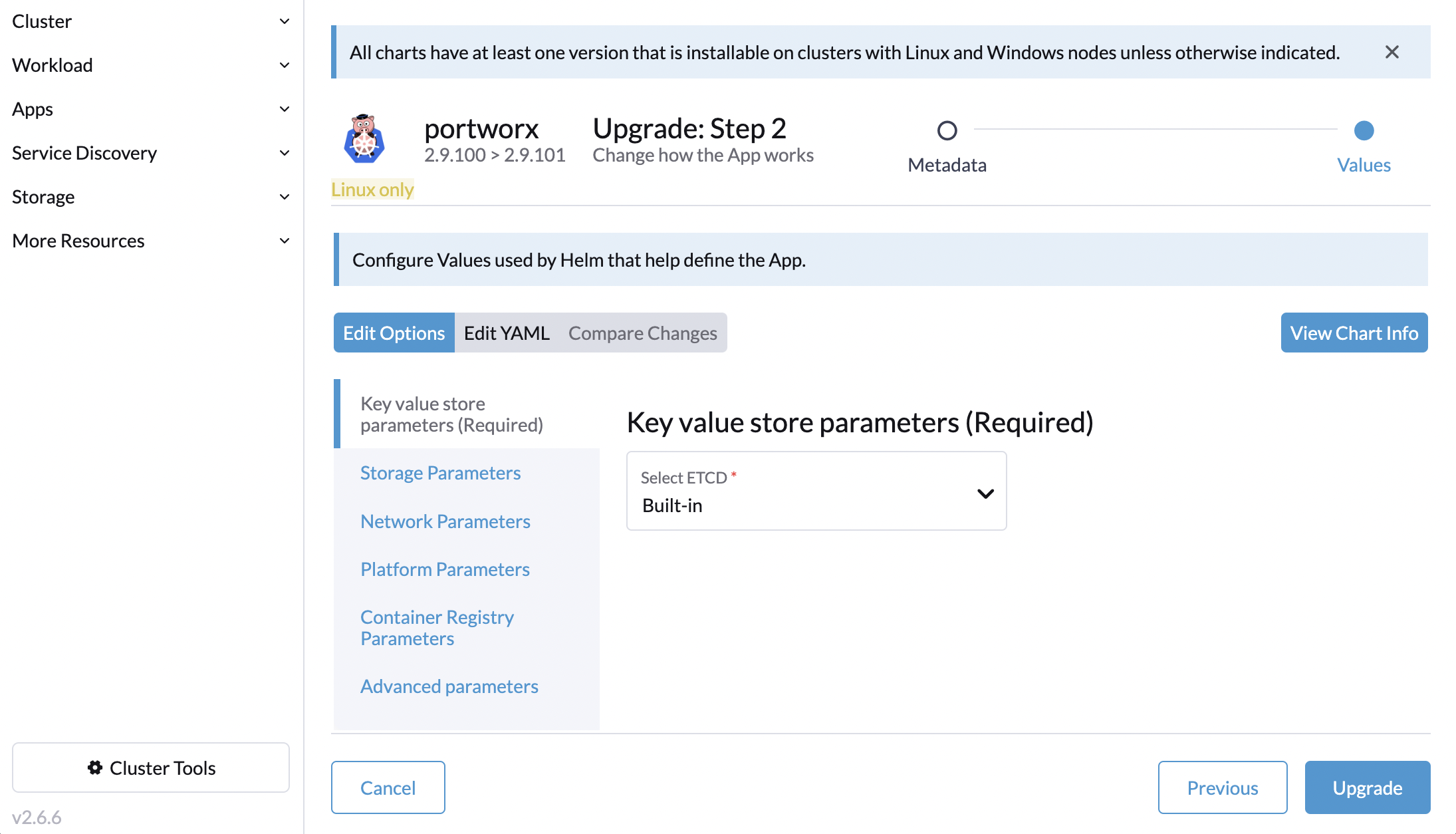
Rancher will start upgrading Portworx. After the upgrade is complete the status of Portworx will change to Deployed.