Install Portworx Operator on OpenShift
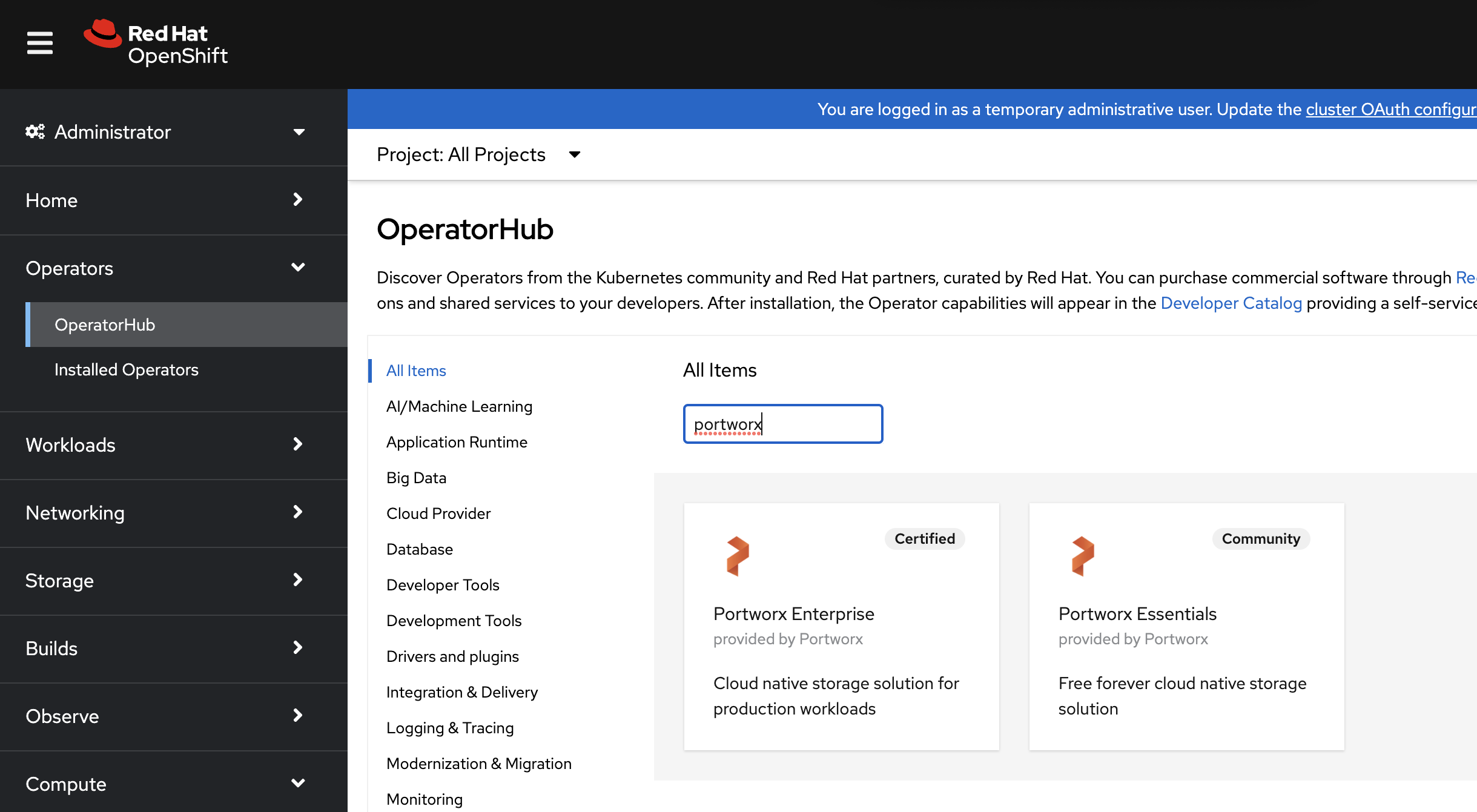
From your OpenShift UI, select OperatorHub in the left pane.
On the OperatorHub page, search for Portworx and select the Portworx Enterprise or Portworx Essentials card:
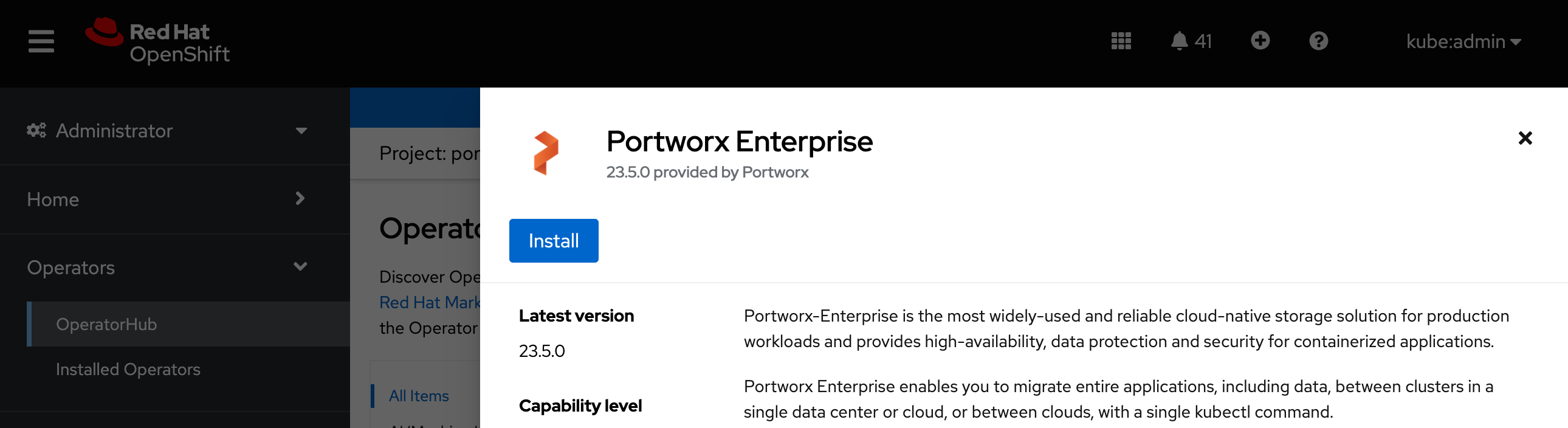
Click Install to install Portworx Operator:
Portworx Operator begins to install and takes you to the Install Operator page. On this page:
- Select the A specific namespace on the cluster option for Installation mode.
- Choose the Create Project option from the Installed Namespace dropdown.
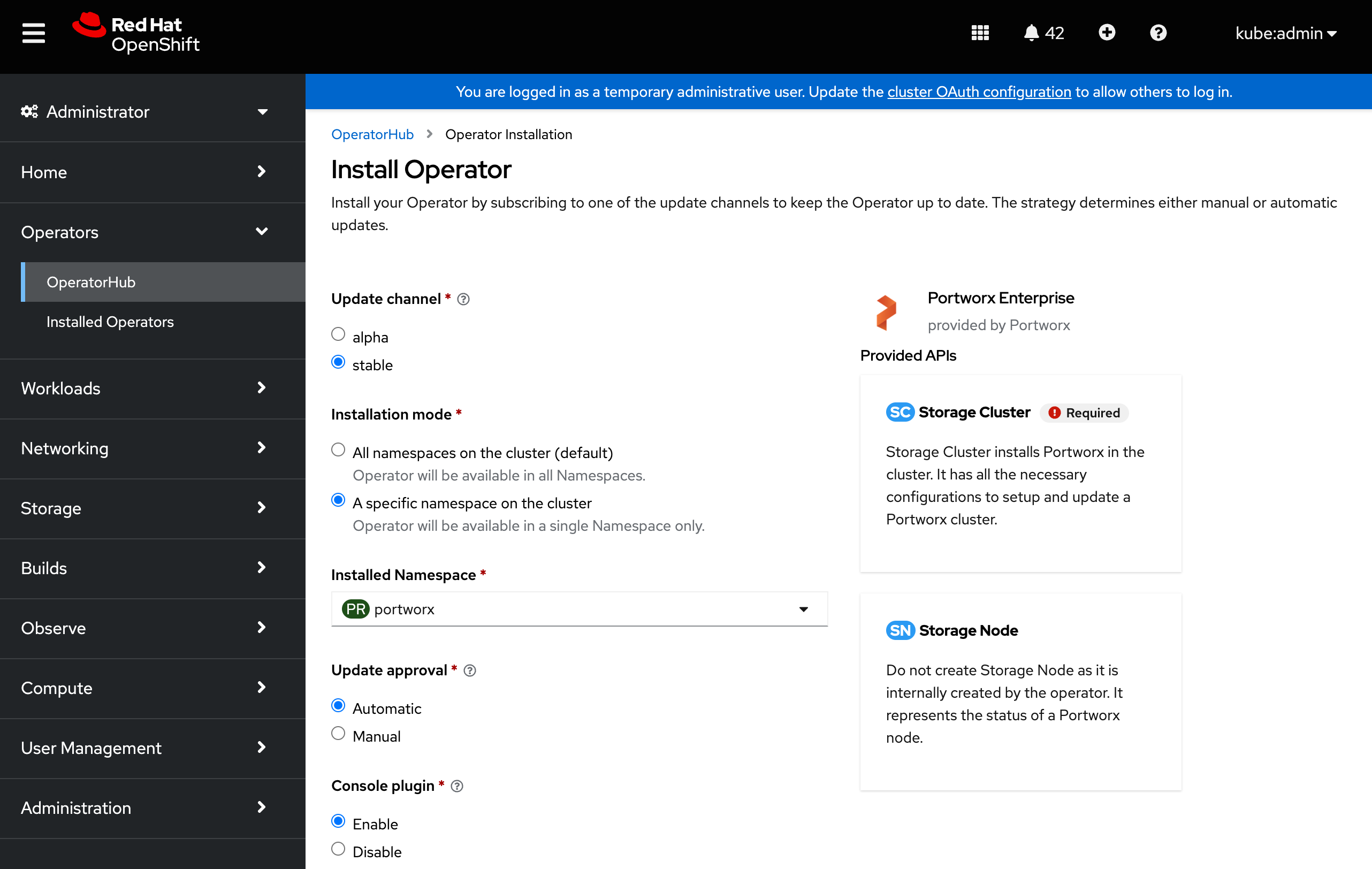
In the Create Project window, provide the name
portworxand click Create to create a namespace called portworx.To manage your Porworx cluster using the Portworx dashboard within the OpenShift UI, select Enable for the Console plugin option.
Click Install to deploy Portworx Operator in the
portworxnamespace.