Install Portworx on AWS EKS using eksctl and the Operator
This article provides instructions for installing Portworx on Elastic Kubernetes Service (EKS) using the Weaveworks eksctl command-line utility.
NOTE: You can follow these procedures to deploy Portworx on AWS Outposts.
Prerequisites
Before you can install Portworx on EKS using pxctl, you must meet the following prerequisites:
- You must have
eksctldownloaded and installed on your local computer
Install
Grant Portworx the needed AWS permissions
Create a ClusterConfig
The ClusterConfig dictates what resources eksctl requests from EKS for the purposes of running Portworx. Portworx requires a number of default resources and configurations in order to function, but other areas of your configuration will vary based on your needs.
Create a
ClusterConfigconfiguration YAML file, specifying your own configuration options for the following:metadata:
- name: withe cluster name you desire
- region: with the region you want your eks service to operate from
- version: with a supported EKS version
managedNodeGroups:
- storage-nodes.instance: with the instance type appropriate for your workloads
- storage-nodes.minSize: and storage-nodes.maxSize: with the number of worker nodes. Both values must be the same, and a minimum of 3.
- storage-nodes.ssh.publicKeyPath: if no path is specified, the default will be
id_rsa - storage-nodes.iam.attachPolicyARNs: with the ARN of the IAM policy you created for Portworx in the Grant Portworx the needed AWS permissions step
- storageless-nodes.instanceType: with the instance type approprirate for your storageless node workloads
- storageless-nodes.minSize: with the minimum number of storageless nodes that can be active on your cluster at any given time
- storageless-nodes.maxSize: with the maximum number of storageless allowed on your cluster
- storageless-nodes.desiredCapacity: with the ideal number of storageless nodes preferred on your cluster
- storageless-nodes.iam.attachPolicyARNs: with the ARN of the IAM policy you created for Portworx in the Grant Portworx the needed AWS permissions step
availabilityZones: with the availability zones applicable to your region
apiVersion: eksctl.io/v1alpha5
kind: ClusterConfig
metadata:
  name: px-eksctl
  region: us-east-1
  version: "1.14"
managedNodeGroups:
  - name: storage-nodes
    instanceType: m4.xlarge
    minSize: 3
    maxSize: 3
    volumeSize: 20
    #ami: auto
    amiFamily: AmazonLinux2
    labels: {role: worker, "portworx.io/node-type": "storage"}
    tags:
      nodegroup-role: worker
    ssh:
      allow: true
      publicKeyPath: ~/.ssh/aws-vm.pub
    iam:
      attachPolicyARNs:
        - arn:aws:iam::aws:policy/AmazonEKSWorkerNodePolicy
        - arn:aws:iam::aws:policy/AmazonEKS_CNI_Policy
        - arn:aws:iam::aws:policy/AmazonEC2ContainerRegistryReadOnly
        - arn:aws:iam::aws:policy/ElasticLoadBalancingFullAccess
        - <arn-of-your-portworx-aws-iam-policy>
      withAddonPolicies:
        imageBuilder: true
        autoScaler: true
        ebs: true
        fsx: true
        efs: true
        albIngress: true
        cloudWatch: true
  - name: storageless-nodes
    instanceType: m4.xlarge
    minSize: 3
    maxSize: 6
    desiredCapacity: 4
    volumeSize: 20
    amiFamily: AmazonLinux2
    labels: {role: worker}
    tags:
      nodegroup-role: worker-storageless
    ssh:
      allow: true
      publicKeyPath: ~/.ssh/aws-vm.pub
    iam:
      attachPolicyARNs:
        - arn:aws:iam::aws:policy/AmazonEKSWorkerNodePolicy
        - arn:aws:iam::aws:policy/AmazonEKS_CNI_Policy
        - arn:aws:iam::aws:policy/AmazonEC2ContainerRegistryReadOnly
        - arn:aws:iam::aws:policy/ElasticLoadBalancingFullAccess
        - <arn-of-your-portworx-aws-iam-policy>
      withAddonPolicies:
        imageBuilder: true
        autoScaler: true
        ebs: true
        fsx: true
        efs: true
        albIngress: true
        cloudWatch: true
availabilityZones: [ 'us-east-1a', 'us-east-1b', 'us-east-1c' ]
Enter the following
eksctl create clustercommand, specifying the name of theclusterConfigfile you created in the step above:eksctl create cluster -f <my-clusterConfig>.yml
Generate the spec
To install Portworx with Kubernetes, you must first generate Kubernetes manifests that you will deploy in your cluster:
Navigate to Portworx Central and log in or create an account
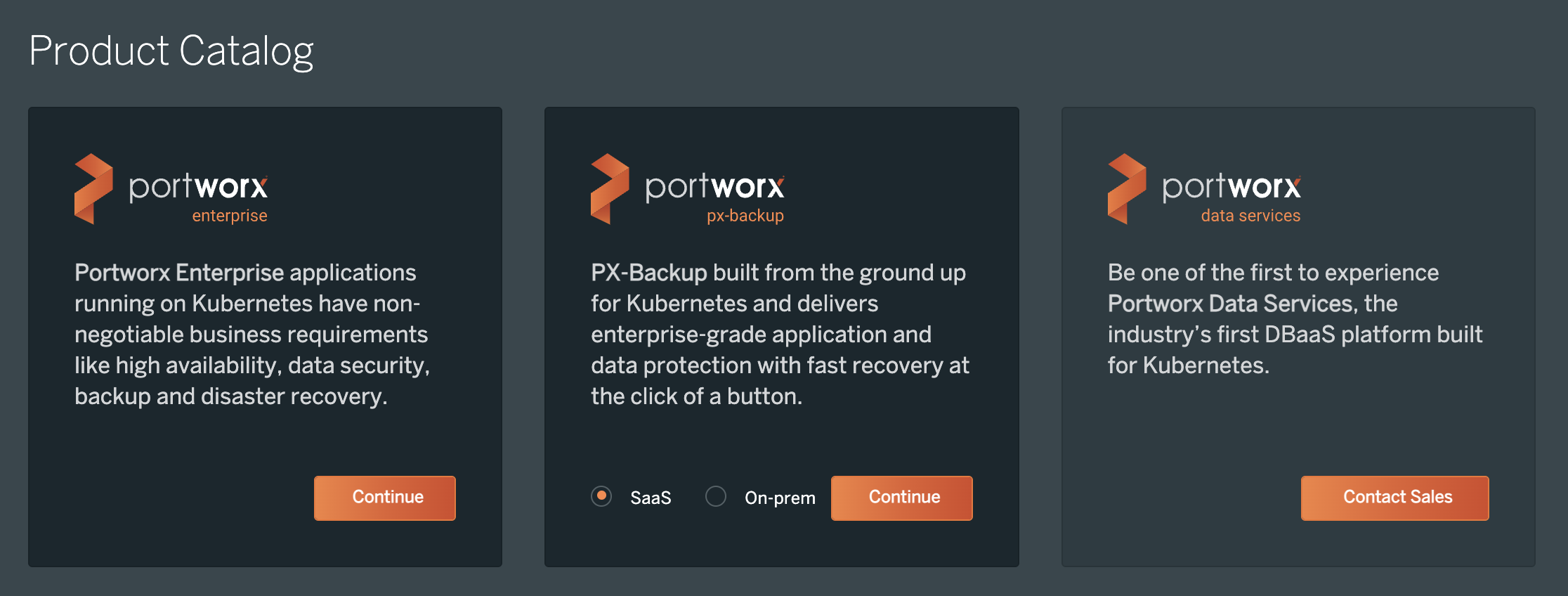
Click Continue with Portworx Enterprise option:
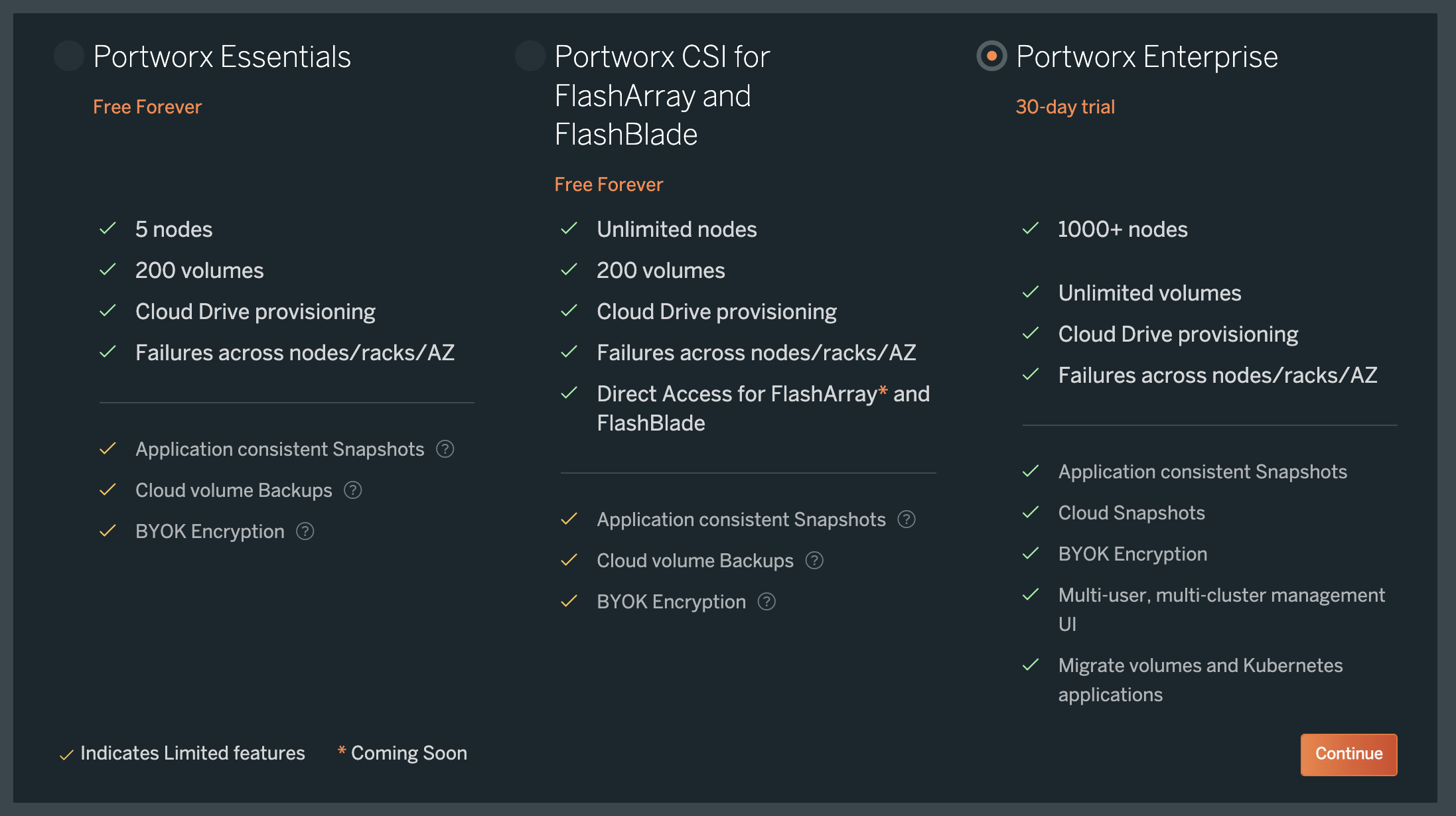
Choose an appropriate license for your requirement and click Continue:
Generate a spec with the following selections:
- On the Storage tab, specify AWS and configure your storage devices based on your needs
- On the Customize tab, select the Amazon Elastic Container Service for Kubernetes (EKS) option
- Under the Environment Variables dropdown on the Customize tab, create an environment variable named
ENABLE_ASG_STORAGE_PARTITIONINGwith a value of true
Further reading
- Refer to the eksctl github for more examples of config files which can be used as input to eksctl
- For more information on what
eksctlis, as well as how it works, refer to the eksctl documentation